

Takt
Your pace for getting things done
Everything on your plate in one place. Takt puts your tasks into five stations, calm and in order.
Coming soon to the App Store· iPhone & iPad · free
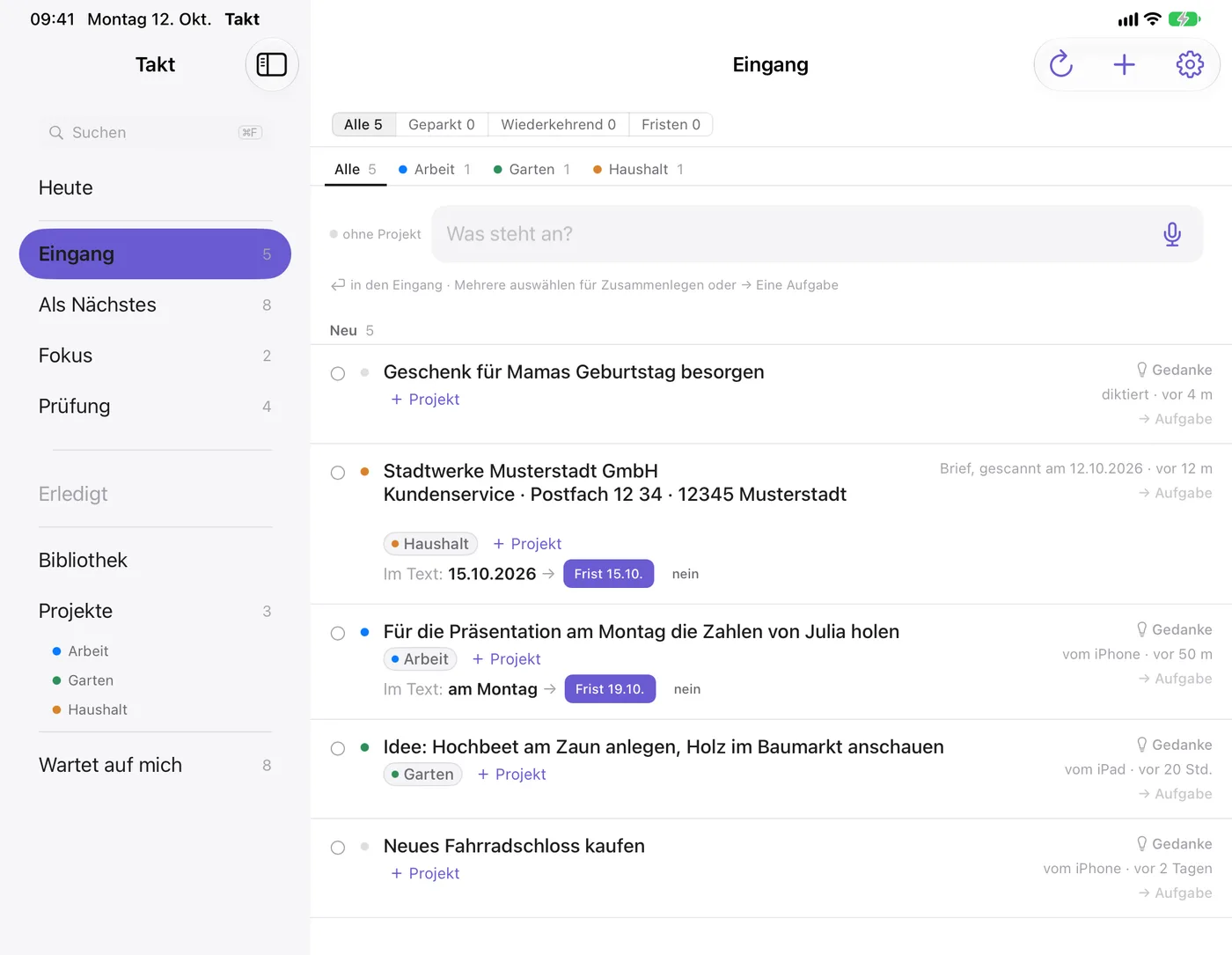
Takt on iPad — the Inbox.
Drop it all in the Inbox.
Type or speak whatever comes to mind. Everything lands in the Inbox first. Later you turn it into a task, file it under a project or get it done right away.
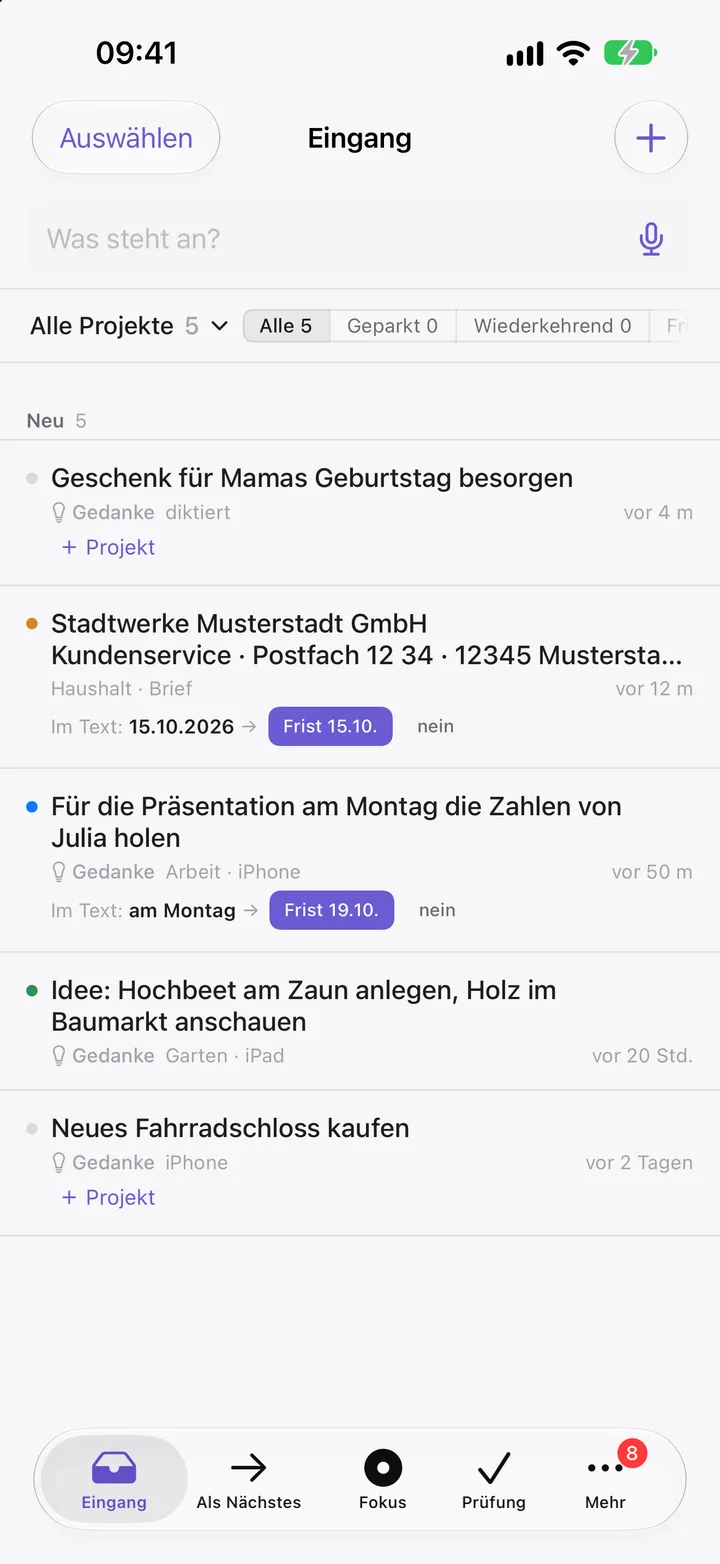
Up Next shows you what comes first.
Five stations: Inbox · Up Next · Focus · Review · Done. Every task shows where it stands and what the next step is.
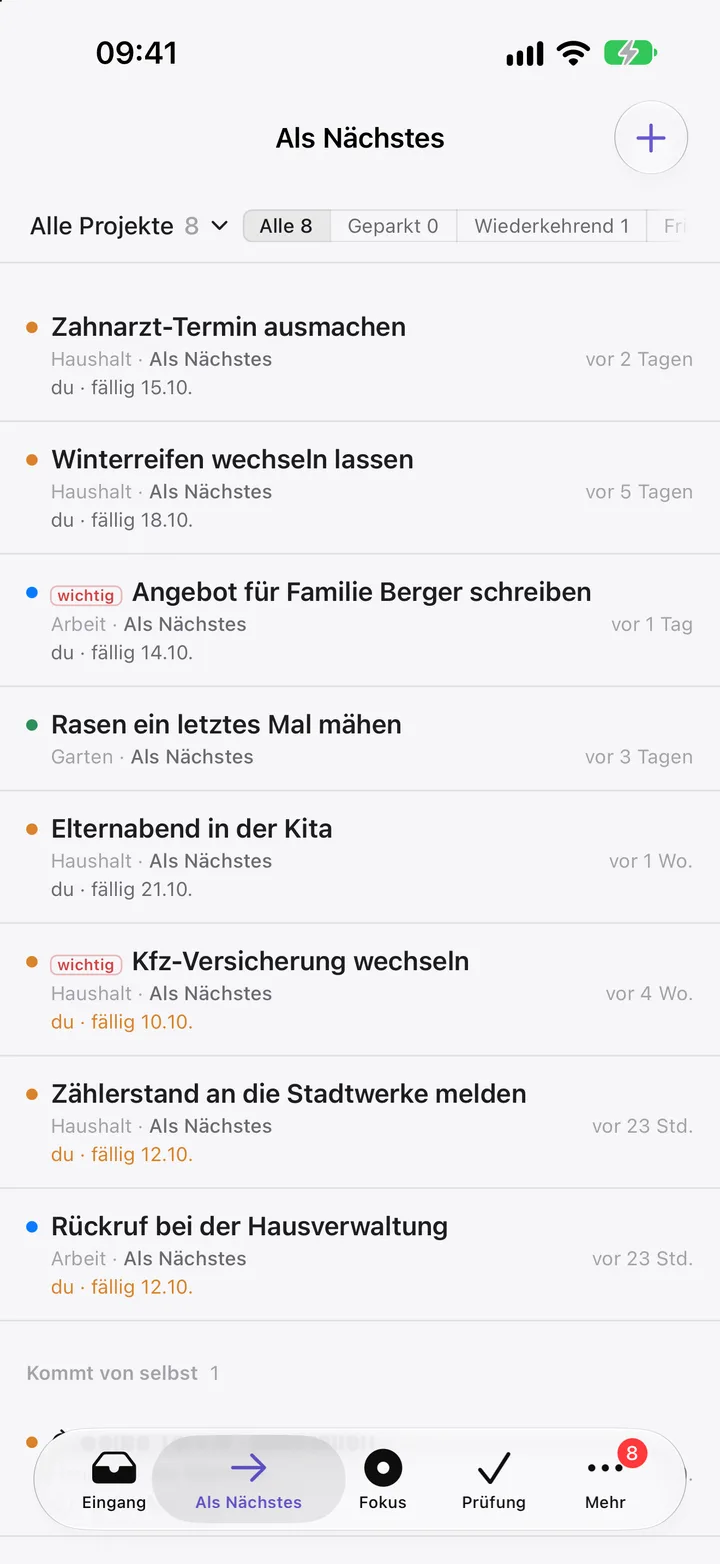
You never miss a due date.
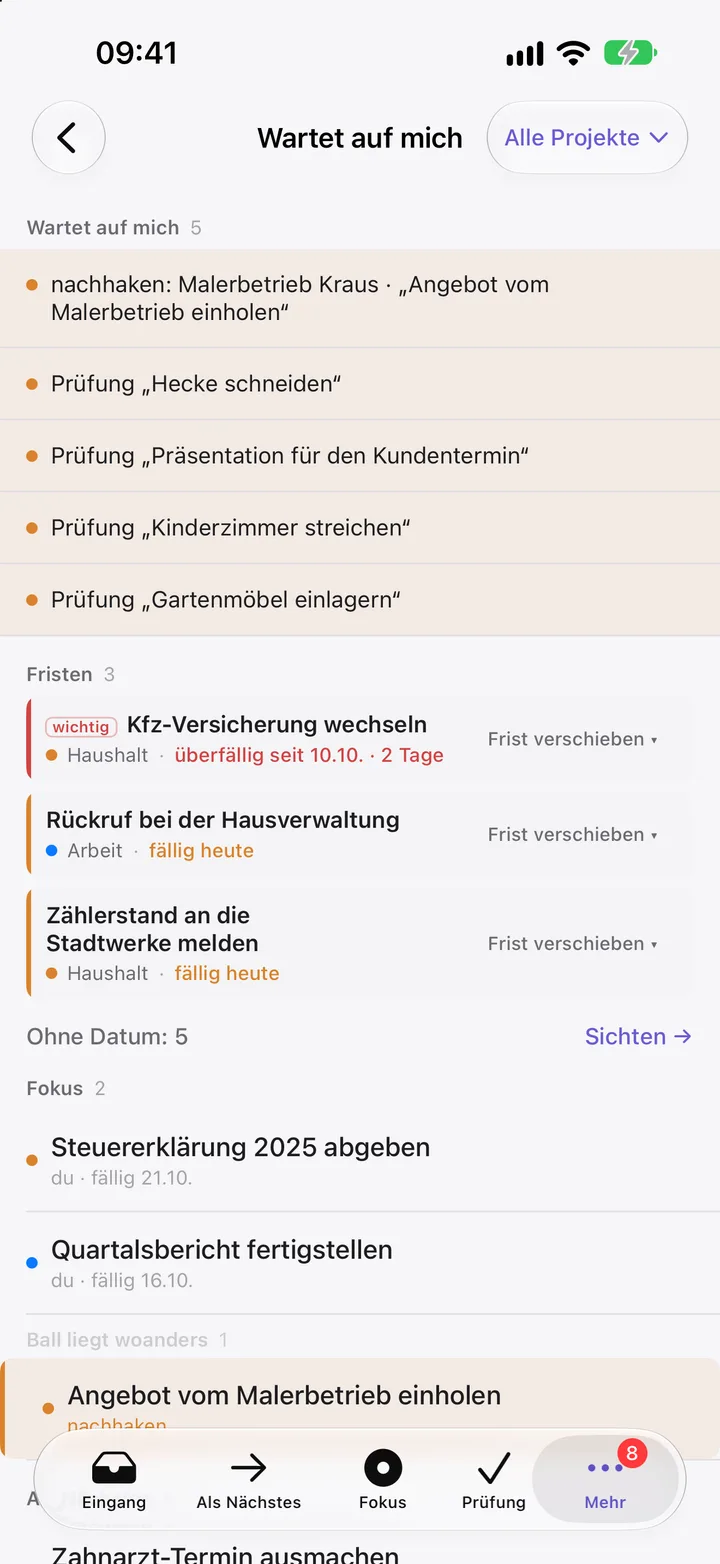
Set a due date or a start date. Repeating tasks like “every Monday” or “monthly on the 1st” create the next round on their own once you finish one. “Waiting on me” shows what is due today.
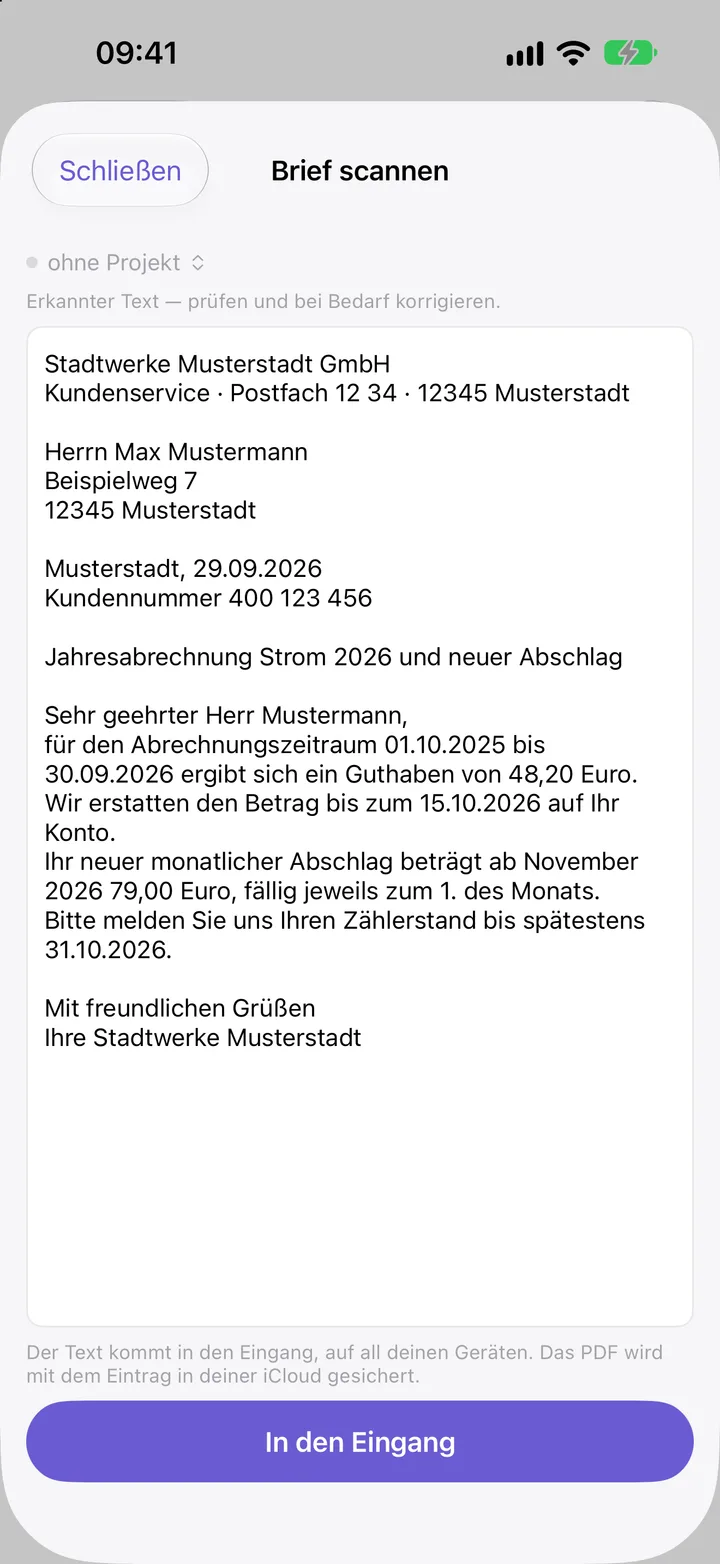
Scan a letter. Takt reads the text.
Snap a bill or an official letter: Takt recognizes the text on your device and files it as an entry, with a PDF if you like. If the text names a date, Takt offers it as the due date. Nothing leaves your device.
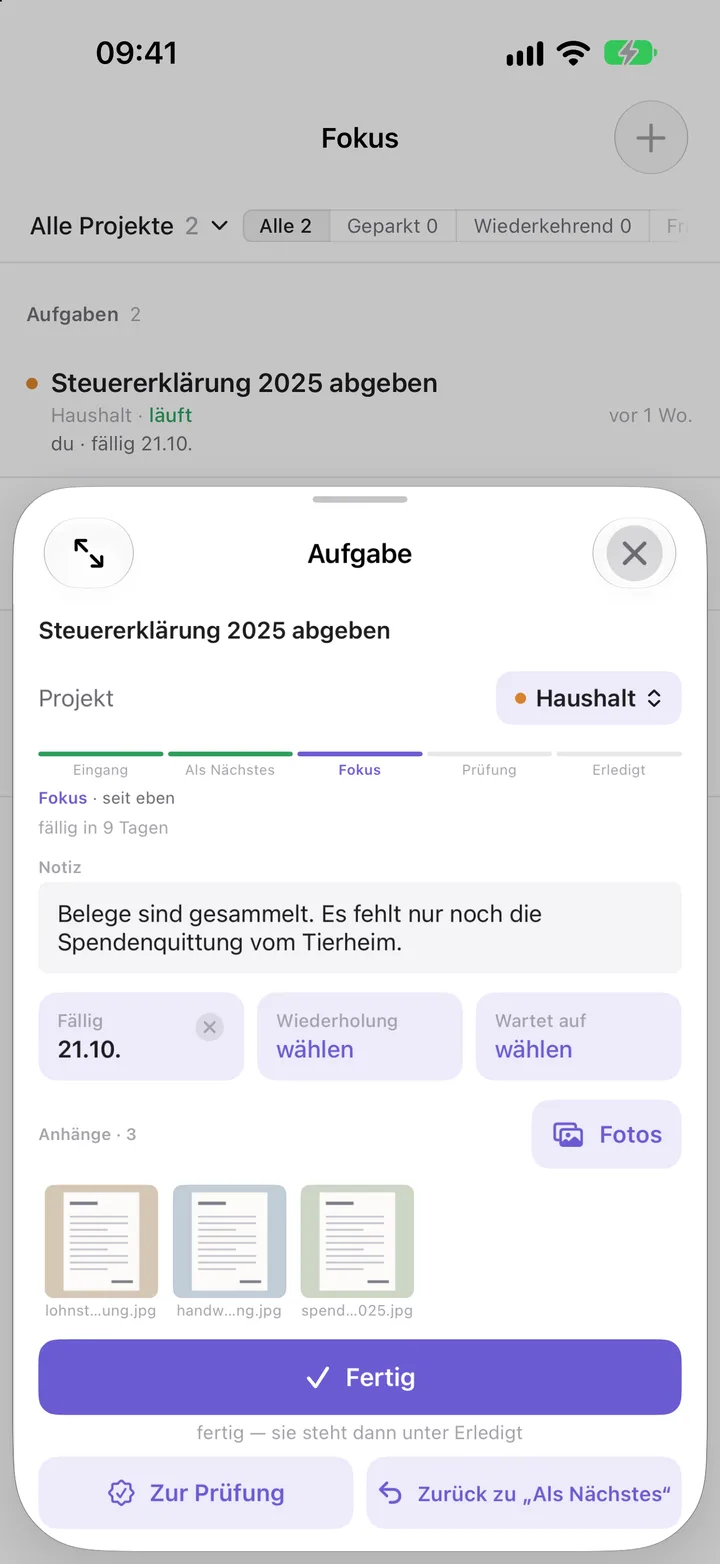
Due date, notes and photos in one place.
Attach photos and PDFs to tasks and entries, and note what is still missing. Assign tasks to projects and see what is open in each one.
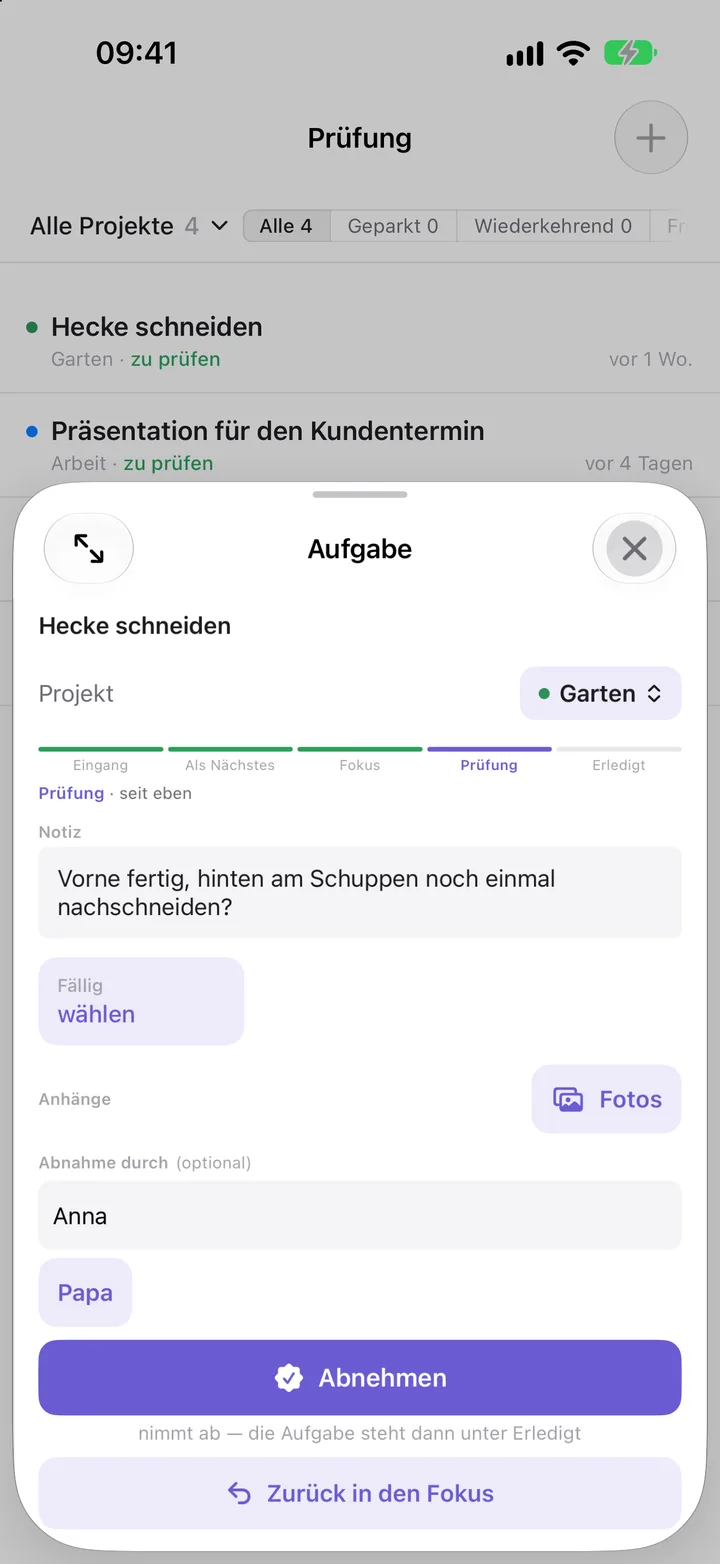
Review it before it’s Done.
When something is finished, it goes to Review first. Take a calm look, sign it off or send it back to Focus. Who signed it off is noted.
Private
Private in your iCloud.
Your data lives in your private iCloud and syncs between your devices. Not even I as the developer can get to it.
- No account, no sign-in
- No ads, no tracking
- Data in your private iCloud
- Syncs between your devices
For developers · Takt Hub
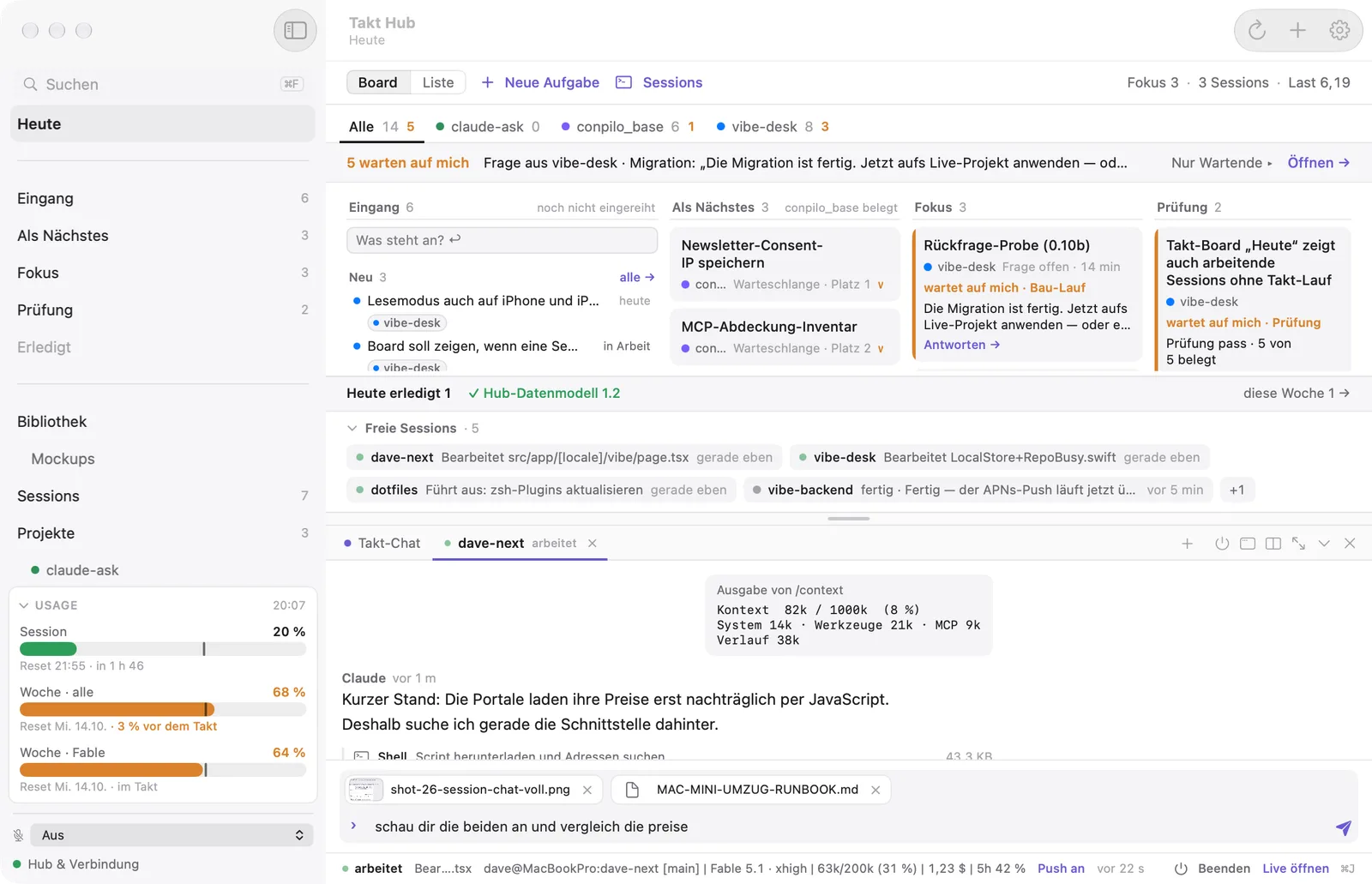
Takt Hub: your Claude Code sessions on the Mac.
If you build software with Claude Code, there is Takt Hub for the Mac. You decide; the sessions do the work.
- Every session at a glance: working, waiting on me, idle
- Answer questions on your iPhone; the answer lands in the terminal
- Start sessions from a task, with its plan and documents
- Review with a diff before anything reaches the main branch
Maj7 · starter kit to download
My AI cockpit for the terminal is available as a starter kit to download — right away, no beta access needed.